
Parent guide · 6 min read
Robot kits for learning to code: what to look for before you buy
The shelf of “learn to code” robot kits is crowded, and most of it looks similar from the box: a robot, some sensors, an app. What is actually inside varies enormously — some kits teach real code that transfers to other tools, and some teach only how to use that one app, on that one robot, until it is outgrown. This guide is the criteria worth checking before looking at any specific brand.
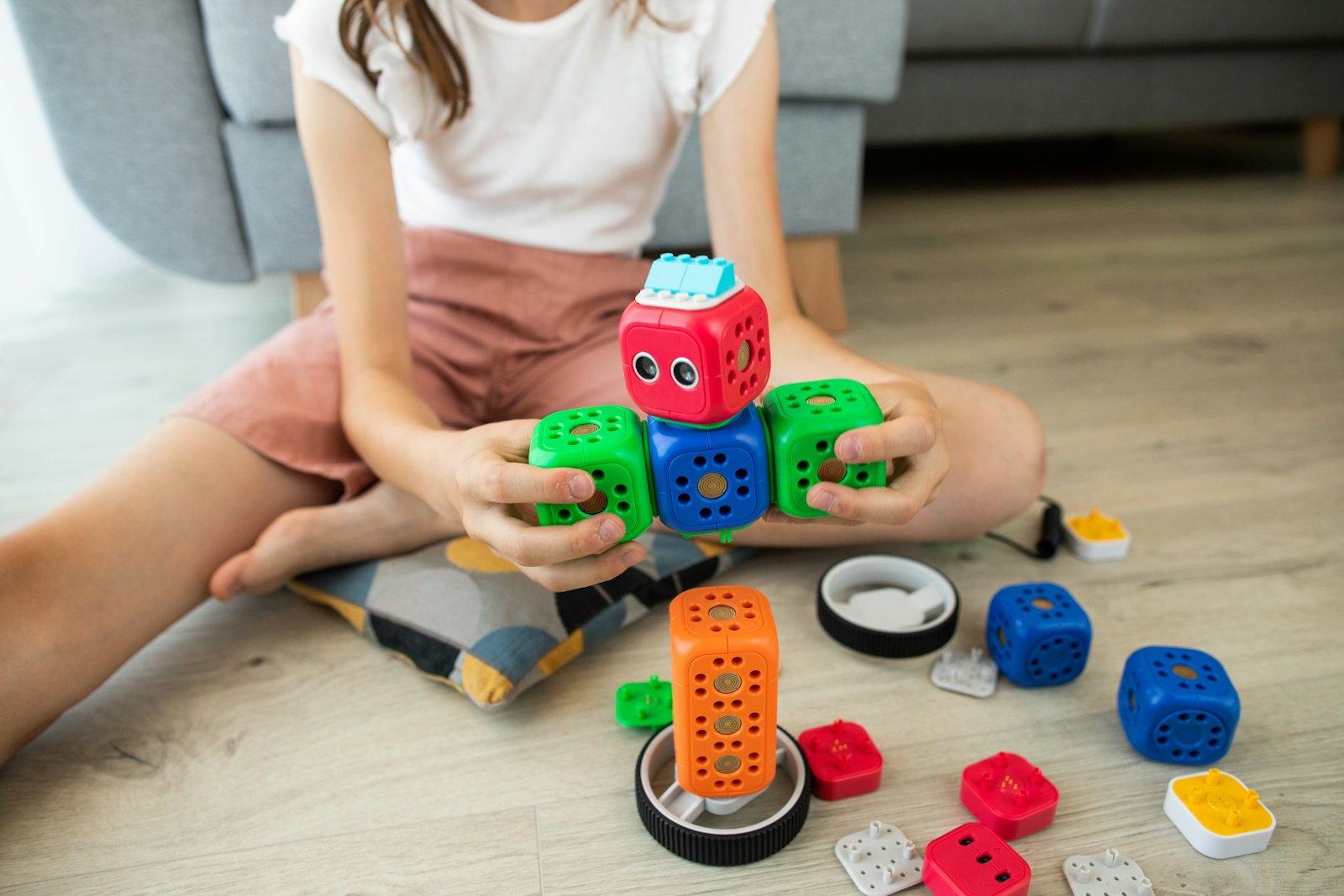
Try this tonight
4 things you can do at home
Ask what language the robot is actually programmed in
Some kits use a proprietary app with its own drag-and-drop blocks that only work with that one robot. Others use a real, transferable language, or blocks that export to one. The second kind is worth the small extra learning curve, because the skill outlasts the toy.
Match the kit to your child’s actual age, not the box’s age range
Box age ranges are marketing more than research. A kit with dozens of small pins and jumper wires suits a patient 10-year-old more than an impatient 13-year-old. If you can, look at a real unboxing video rather than the box copy, and judge by how fiddly the parts genuinely look.
Check whether the parts survive past the kit’s own projects
Some kits lock you into their exact pre-designed builds and stop being useful once those are finished. Others use a standard board and standard components that work in entirely different projects afterwards. Reusable parts are the difference between a toy with a shelf life and a genuine first robotics kit.
Read the setup step before you buy, not after
A kit that needs an account, an app download, a firmware update and a paired phone before the first light turns on will cost you an evening before your child builds anything. A kit that goes from box to first blink in ten minutes keeps the excitement intact.
Real code vs. a robot’s own app
Many beginner robot kits are programmed entirely inside a companion app, using blocks or menus that exist only for that robot. That is a genuinely easy way in, and there is nothing wrong with it for a first few weeks. The limitation shows up later: none of that knowledge transfers if the child moves on to a different kit, a different robot, or a real programming language.
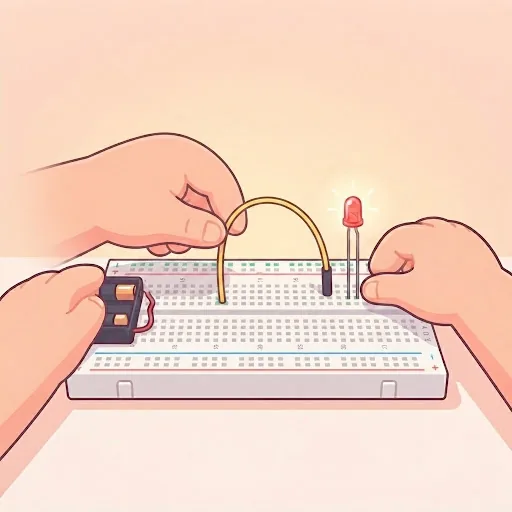
Kits built around an open, widely used platform — Arduino is the clearest example — are programmed in a language used far beyond that one box. A child who learns to blink an LED on an Arduino is using the same ideas, and often close to the same code, that professional makers and engineers use. That transferability is the main thing worth paying for.
What a starter kit actually needs, physically
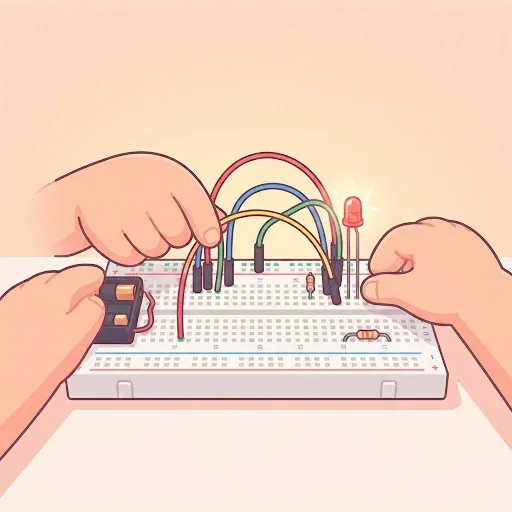
A sensible beginner kit includes the board itself, a breadboard, jumper wires, a handful of LEDs and resistors, and one or two simple sensors (a button, a light sensor, a distance sensor), plus a computer or laptop with a USB port to write and upload code from. Nothing exotic, and nothing that needs a soldering iron.
Small components are easy to lose and easy for a young child to put in their mouth, so a kit with a lot of loose small parts wants an adult nearby for the first few sessions, whatever the box’s age range says. Low-voltage electronics of this kind are otherwise safe to handle.
A worked example: two kits, two different outcomes
Kit A is a fixed-shape robot with a phone app: drag three blocks together, tap play, watch it move. After the six built-in activities, there is nothing more to build without buying an expansion pack from the same brand.
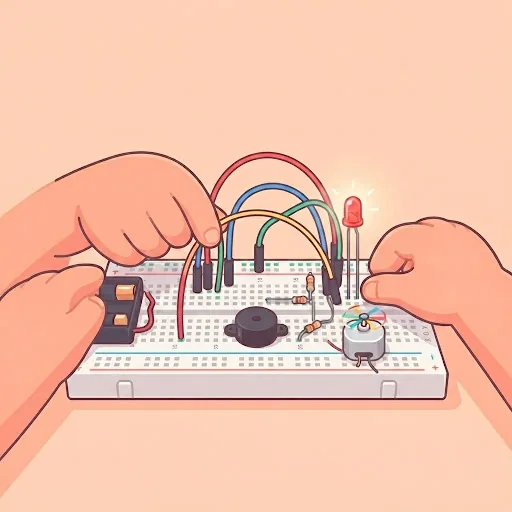
Kit B is an Arduino starter kit: a board, a breadboard, and a bag of components with a printed guide to twenty small projects. After the guide is finished, the same parts build a night light, a simple alarm, or a controller for something the child invents — the kit does not run out of things to do the way Kit A does.
When a kit is genuinely not needed yet
Below about 9, most children are still building the fine motor skills that make pushing small components into a breadboard workable without frustration, whatever a kit’s marketing claims about being “for ages 6+”. A block-based robot with big, chunky pieces is a better fit at that age than a kit with jumper wires and resistors.
If your child has already used a fixed-app robot at school and wants to go further, that is usually the clearest sign they are ready to move to a kit built around a real, transferable language rather than another app-only robot.
Signs it’s time for outside help
When home help has done what it can
- The kit’s own app is the only way to program it, with no path to a real language.
- All the pre-built projects are finished, and nothing else can be built with the same parts.
- Your child is frustrated by small components, regardless of what age the box recommends.
- Setup (account, app, firmware, pairing) has eaten an entire evening before any building started.
- Your child has outgrown a fixed-app robot from school and wants to build something of their own.
Questions parents ask
FAQ
Is Arduino too advanced for a first robot kit?
Not from about age 9. The first project, making an LED blink, takes minutes, and mistakes are cheap: a beginner board is inexpensive and tolerant of the wiring errors every child makes early on.
Do I need to know how to code myself to help with a robot kit?
No. Most beginner kits, Arduino included, come with a guide of worked projects and example code your child copies and then changes. Your role is mainly patience with wiring, not writing code yourself.
Are more expensive kits always better?
No. Price often reflects a robot’s shape and the number of sensors, not how much your child actually learns. A cheaper kit built around a real, transferable language usually teaches more than an expensive kit locked to one app.
What is the minimum age for a coding robot kit?
It depends more on fine motor patience than a fixed number. Chunky, block-based robot kits work from about 5–6; kits with small components like jumper wires and resistors, such as Arduino starter kits, generally suit children from about 9.
Classes that fit
Live, 50–55 minutes, four learners at most or 1-on-1.
Not sure which is right for your child?
Tell us their age and what they have tried so far, and we will suggest where to start before you book anything.