
Parent guide · 3 min read
Arduino vs Raspberry Pi: which is better for kids learning robotics?
Arduino and Raspberry Pi are the two boards every beginner’s robotics kit is built around, and they are often compared as if they did the same job. They do not. One is a tiny controller for hardware, the other is a small full computer, and that difference decides which is the better first board.
Arduino
A controller for hardware
Raspberry Pi
A tiny full computer
Side by side
| Question | Arduino | Raspberry Pi |
|---|---|---|
| What it is | Microcontroller | Full computer (Linux) |
| Setup | Plug in, upload, done | SD card, OS, updates |
| Beginner friendliness | High | Medium |
| Best for | Lights, sensors, motors | Cameras, internet, screens |
| In our classes | Yes, ages 9–16 | Not taught |
What an Arduino is
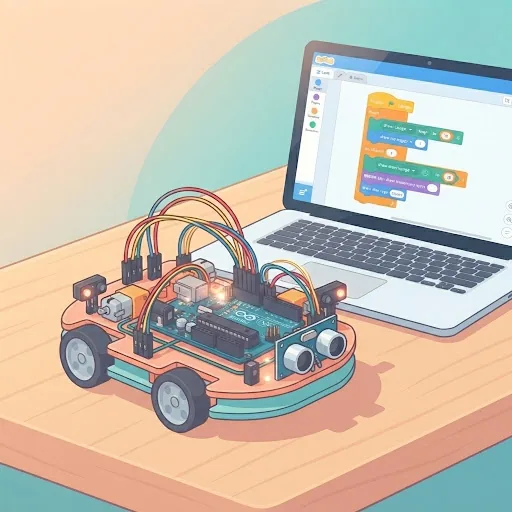
An Arduino is a microcontroller: a small board that runs one program, over and over, the moment it gets power. You write that program on a computer, upload it over USB, and the board then reads sensors and drives LEDs, buzzers and motors on its own.
There is no operating system to install and nothing to shut down properly. Unplug it, plug it back in, and it runs again. For a beginner, that simplicity is the point: the link between a line of code and a light turning on is direct and visible.
What a Raspberry Pi is
A Raspberry Pi is a complete computer on a small board. It runs Linux, and it can connect a screen, keyboard, camera and the internet. It can also control hardware through its pins, but that is one feature among many.
That power brings more to manage: an SD card to set up, an operating system to update, and a board that should be shut down properly rather than unplugged. It is excellent for projects like a weather station that posts online or a camera that recognises faces, and more than a beginner needs for a first circuit.
Which is easier for a child
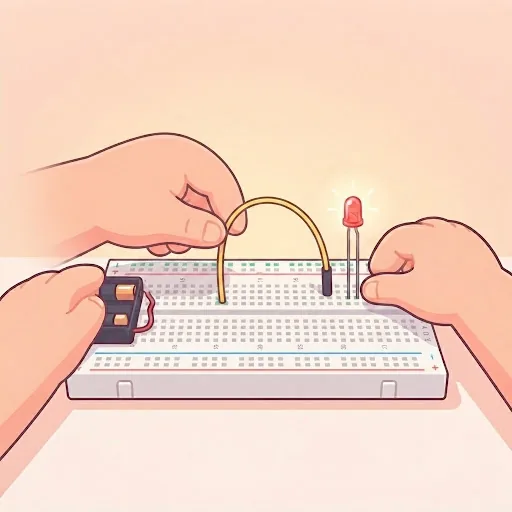
Arduino, clearly. A first project, making an LED blink, takes minutes. Mistakes are cheap: a beginner board is inexpensive, and it tolerates the wiring errors every child makes in the first few weeks.
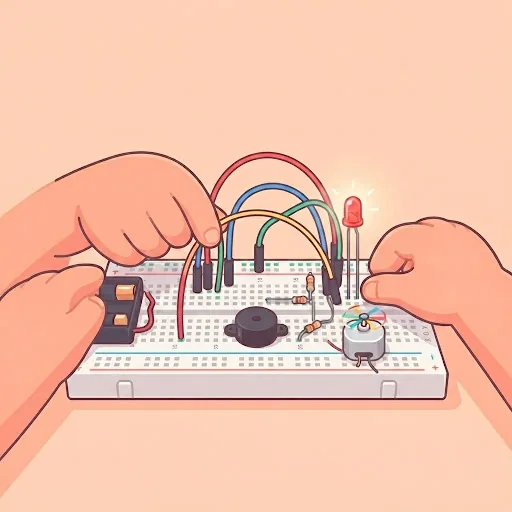
The real challenge at this stage is physical, not digital: pushing small components into a breadboard and keeping track of wires. That is why our robotics classes start at 9, not 8. Below about nine, fine motor control makes building the circuit genuinely hard.
What a starter kit needs
For Arduino, a standard beginner kit is enough: the board, a breadboard, jumper wires, LEDs, resistors and a few basic sensors, plus a computer or laptop with a USB port. Our students buy their own kit, and we send the exact list before the first class so nobody buys the wrong one.
Small components are easy to lose and easy to swallow, so an adult nearby is sensible for younger children. Low-voltage electronics of this kind are otherwise safe.
What our classes use
Our robotics classes use Arduino, in three age bands: Junior (9–10), Explorer (11–13) and Maker (14–16). Each runs as an 8-class introduction or a 24-class full track, live, 50–60 minutes, in a group of at most four or 1-on-1.
Children who finish the full track and want to go further are well placed to move to Raspberry Pi. By then the electronics are familiar, and the Pi adds the computer around them.
Further reading
Classes that fit
Live, 50–60 minutes, four learners at most or 1-on-1.
Not sure which is right for your child?
Tell us their age and what they have tried so far, and we will suggest where to start before you book anything.