Robotics and Arduino classes for ages 9–16
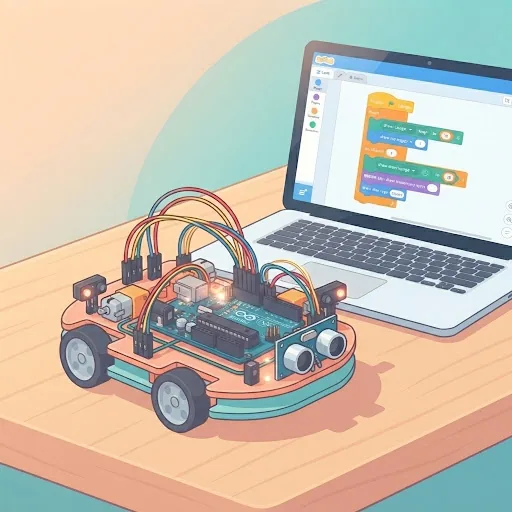
This is the one subject where the work leaves the screen. Children wire real circuits on a breadboard and write the code that drives them — lights, sensors, motors, then projects that combine all three. It runs in three age bands, each starting from where that age can actually begin, as an 8-class introduction or a 24-class full track.
Showing 3 of 3 classesAll subjects
A closer look
How arduino is taught here
How a robotics class runs
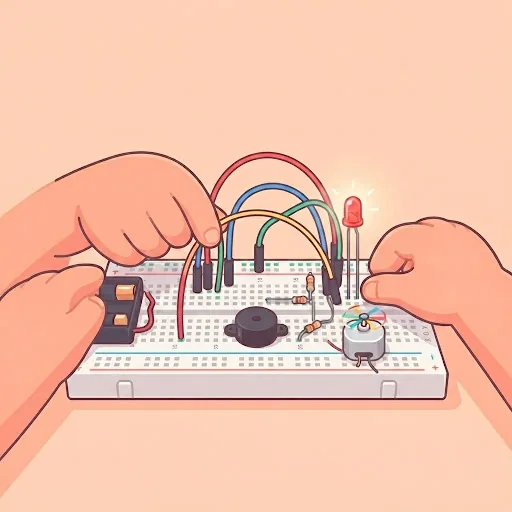
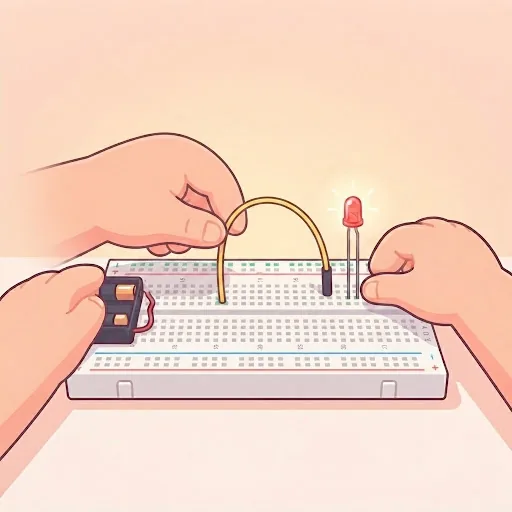
Each child builds on their own breadboard at home, with their camera showing the desk, so the instructor can see the actual wiring. Most wiring problems are obvious in a second on camera and invisible in a verbal description.
A class moves between circuit and code: wire it, write it, upload it, see what happens, and work out why it did not do what was expected. That loop is the whole subject, and the class is paced so each child gets through it themselves.
A typical first month
Week one is about getting a light to blink: plug the board in, upload a first program, change the timing and watch the code control the hardware. For most children it is the moment the subject becomes real.
Weeks two and three bring input: a push button, then a light or distance sensor. The program now makes decisions, turning on a light when it gets dark or sounding a buzzer when something comes close. Week four usually combines them into a first project the child chooses: a night light, a simple alarm, a reaction-time game.
What children learn beyond the electronics
Robotics is where coding stops being abstract. A loop is something that makes a light blink; a condition is what stops a motor when a sensor sees an obstacle. Children who found coding on a screen dull often find it clicks when the result is physical.
It also teaches debugging in its purest form. When a circuit fails, the cause might be the code, a loose wire or a part the wrong way round. Working through those possibilities in order is a habit that carries into every technical subject.
Robotics at each age
At 9 and 10, projects are smaller and there is more time for each build. Children this age are often the most excited by the result: a light they control is a genuine thrill.
At 11 to 13, children hold more of a circuit in their heads and start reasoning about why something works, so projects start to look like devices rather than experiments. At 14 to 16, teenagers who have done some Python find the code familiar and can focus on the engineering.
Why Arduino, and what comes after
Arduino is a simple controller board that runs one program as soon as it has power. There is no operating system to manage, and beginner boards tolerate the wiring mistakes every child makes early on.
Because your child owns their kit, they keep building between classes, which is where a lot of the learning happens. Our guide comparing Arduino and Raspberry Pi explains when a child is ready to move on to the Pi.
Find the right arduino class
Not sure which level fits your child? Tell us their age and what they have done so far, and we will point you to the right class.
Outcomes
What your child will be able to do
- Build a circuit from a diagram, and debug it when it does not work — which it will not, the first few times
- Write and upload code that makes physical hardware respond to the real world
- Read a sensor, interpret the value, and make something happen because of it
- Finish the full track with a project combining input, logic and movement
Checklist
What you need before the first class
Tick these off and your child is ready.
- An Arduino starter kit — board, breadboard, jumper wires, LEDs, resistors and basic sensors. We tell you exactly what to buy before the first class
- A computer or laptop with a USB port for the board
- An adult nearby for younger children. Low-voltage electronics are safe, but small components are easy to lose and easy to swallow
FAQ
Questions parents ask
- ?Do we have to buy a kit?
- Yes. This subject cannot be taught without hardware, and we would rather say so plainly before you book than have a child watching someone else’s circuit. A standard beginner kit is enough — we send the exact list in advance.
- ?Why does this start at 9 and not 8?
- Fine motor control. Pushing components into a breadboard and keeping track of small wires is genuinely difficult below about nine, and a child who cannot physically build the circuit spends the class watching.
- ?Does my child need to code first?
- No. The introduction track teaches the code alongside the circuits. Children who have done Python find the first few classes easier, but it is not assumed.
Guides for parents