
How it works
Ten minutes of setup. Then it is just the lesson.
Three small things before the first class, and none of them are homework for you. Then an hour your child is actually in.
Here is all of it, in order, with nothing left out.
Before the first class
Three things, about ten minutes in total.
- 1About two minutes
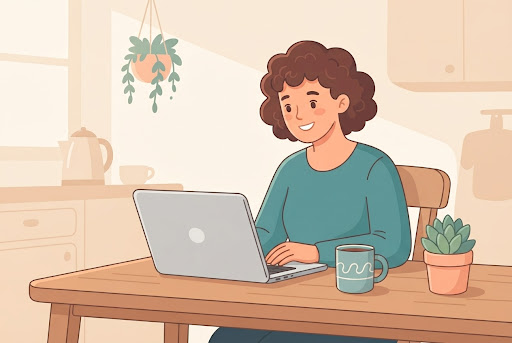
Make an account
An email and a password. You pick your country, and from then on every price and time on the site is already yours.
- 2About two minutes
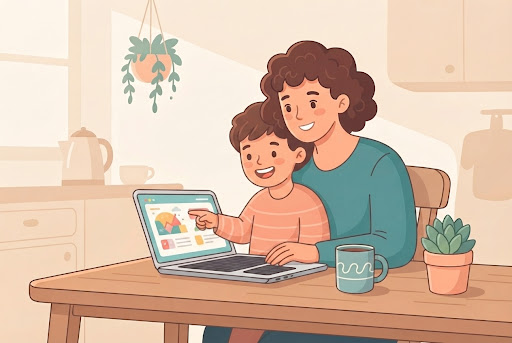
Add your child
Their name and age is all the catalogue needs to hide what would not suit them. Under-13s need verified parental consent, because the law requires it.
- 3About five minutes
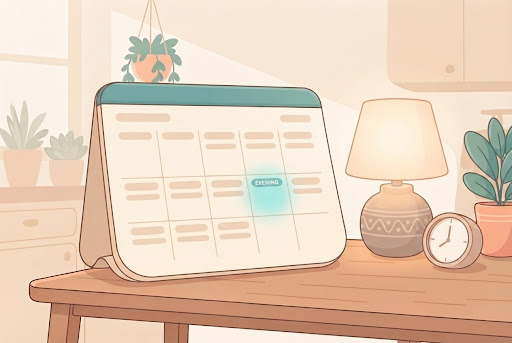
Pick an evening that suits you
Every open time is a real teacher’s real availability. Pay for one class, or the whole course at less per class.
The hour itself
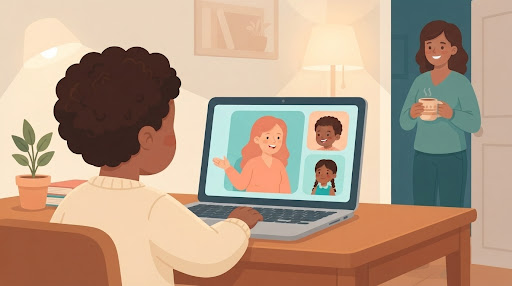
This is the room your child walks into.
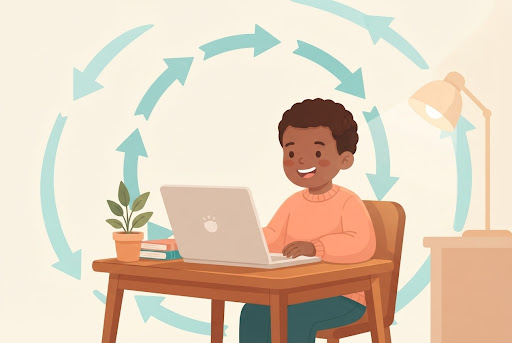
Not a lecture hall with a chat box. One teacher, at most four children, and a door you are allowed to walk through whenever you like — that is you in the doorway, and nobody has to be told you are coming.
- 1
Nobody hides at the back
A quiet child gets asked, and the teacher has time to wait for the answer.
- 2
One real teacher
Live, for the whole hour — not a video with a chat box.
- 3
Four learners at most
Enforced by the booking system, not promised in copy.
- 4
You can be here too
Any lesson, unannounced. That is you in the doorway.
And afterwards
The bit that makes it stick is the week after.
One good lesson is a nice evening. What changes a child’s relationship with a subject is the same teacher, in the same slot, expecting them again.
- Book the same time again and the same teacher is there.
- Class recordings are coming shortly. Once a class finishes, its recording will appear on your child’s own page — the lessons they actually attended, theirs to rewatch. It is not switched on yet; until it is, a missed class is rescheduled rather than replayed.
- Or stop. Nothing renews and nothing expires.
The specifics, in one place.
- Class length
- 60 minutes
- Group size
- 4 learners, maximum
- One-to-one
- Available on every course
- Ages
- 6 to 16
- Platform
- Live video, on a laptop
- Parent access
- Any class, unannounced
- First class
- , once per family
- Recordings
- On your child’s pageComing shortly
The questions parents actually ask.
Do we need to install anything?
No. The link in your email opens the class in a browser. It needs a computer or laptop with a camera — not a phone or tablet, because the coding and design tools we teach with need a real screen and keyboard.
Can I change teachers or subjects later?
Yes, and nothing punishes you for it. There is no subscription and no package to use up, so switching is a matter of booking a different class next time.
What happens if a teacher cancels?
You are told, and the class is not charged for. Rebook the same course at another time that suits you.
That is the whole process.
Nothing else is required of you, and nothing renews on its own. The first class is — see what the hour is actually like.
Prices forBrowse classes