
Parent guide · 5 min read
Making video games with Python: a starting guide for parents
Many children who love playing video games eventually wonder whether they could make one themselves. The answer, even for primary-school-age children, is yes — but the path from player to creator involves a handful of real skills, and knowing what those are helps parents set sensible expectations. This guide explains what game design for kids actually covers, when children are ready to start, and what a first project looks like.
Try this tonight
4 things you can do at home
Start with a game the child already plays
Ask your child to pick a simple game they enjoy — a jumping game, a catching game, a guessing game. Breaking down how it works (what moves, what counts as winning, what ends the game) is the first real design skill, and it comes before any code.
Learn the building blocks first
Variables, loops and if-statements are the three ideas behind almost every game mechanic. A child who can write a loop that counts to ten and stops when a condition is true has the logic needed to make a character move and a score update.
Make something small that actually runs
The first project should be tiny: a character that moves left and right, or a ball that bounces. Finishing something, even something simple, matters more than attempting something ambitious. Children who ship a small working game learn faster than those who abandon a complicated one.
Add one feature at a time
Once the base game runs, add one thing — an enemy, a score display, a sound effect — and test it before adding the next. This is how professional game developers work, and it teaches children to isolate bugs and not get overwhelmed.
What age can children start making games?
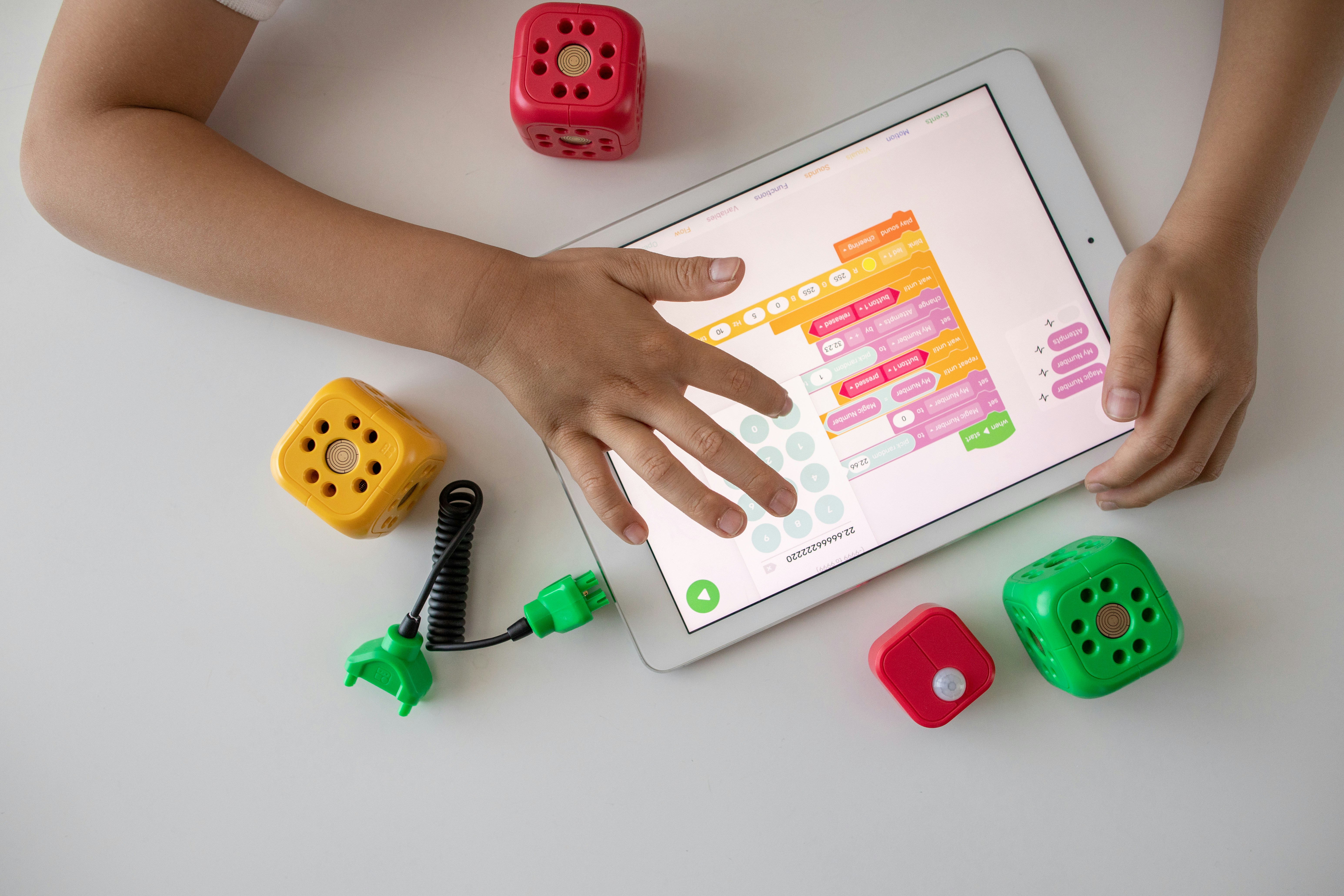
Children as young as 7 or 8 can build visual games using block-based tools, where code is snapped together rather than typed. Text-based game design — writing Python to create movement, collision detection and scoring — is usually accessible from age 9 or 10, once a child can read instructions carefully and work through errors methodically.
Motivation matters more than age. A ten-year-old who is determined to build a specific game they have imagined will outpace an older child who is just going through the motions. The right starting point is when the child genuinely wants to make something, not when a curriculum says they should.
What skills does game design teach?
Game design builds coding fundamentals — variables to track the score and player position, loops to keep the game running, conditions to check for collisions — but it also develops problem-solving habits that transfer to every subject. Debugging a game that does not behave as expected trains logical thinking in a way that is hard to replicate from a worksheet.
Beyond code, designing even a simple game involves planning (what should the player do?), testing (does it feel fun?) and iterating (what needs to change?). These are the same skills used in engineering, product design and research. Children often do not realise they are practising them.
Python versus other starting points
Block-based languages like Scratch are ideal for introducing programming concepts to younger children without the friction of syntax errors. When a child is ready to move further — typically once they find block-based tools limiting — Python with a library like Pygame is a natural step. The syntax is readable, the community is large and the same language scales all the way to professional game development.
Some children skip block-based tools entirely and start with Python around age 9–10, particularly if they are strong readers and comfortable with trial and error. Others benefit from a year of block-based work first. Neither path is wrong; the right one depends on the child.
Signs it’s time for outside help
When home help has done what it can
- Has finished a block-based course (such as Scratch) and wants to do more.
- Talks about game ideas but does not know how to start building them.
- Gets frustrated by syntax errors and needs guidance on how to read them.
- Understands variables and loops in theory but struggles to apply them.
- Has started a game project but got stuck and abandoned it.
- Wants to make games for friends to play, not just exercises for school.
Questions parents ask
FAQ
What is the best programming language for kids to make games?
Python is the most common first text-based language for game design because it is readable, well-documented and has beginner-friendly game libraries. Block-based environments like Scratch are better for younger children who are just starting to learn programming concepts.
How long does it take a child to build a first game?
A motivated child aged 10–12 can finish a simple working game — a character that moves, a goal and a score — in around 10 to 15 hours of guided work. The first few hours are spent on fundamentals; the game itself comes together in the second half.
Do children need a powerful computer to make games?
No. Text-based Python games run on any laptop made in the last ten years. Graphics-intensive 3D game development needs more power, but the kind of 2D projects children start with do not.
Is game design just playing games?
No — designing a game requires more focus and problem-solving than playing one. The fun comes from seeing something they built work the way they intended, which is a different kind of satisfaction from playing a game someone else made.
Further reading
Classes that fit
Live, 50–55 minutes, four learners at most or 1-on-1.
Not sure which is right for your child?
Tell us their age and what they have tried so far, and we will suggest where to start before you book anything.