
Parent guide · 8 min read
Computer science for kids: what it covers and how to start
Computer science is broader than coding. It includes the ideas behind how programs work: what an algorithm is, how data is organised, why some solutions are faster than others, and how computers represent information. For children, most introductions start with coding, because writing a program is the most direct way to see those ideas in action. But the goal is not just to type commands: it is to develop a way of thinking about problems that transfers well beyond any single language or tool. This guide explains what computer science for children actually covers, how it differs from coding alone, and how to find a starting point that suits your child now.
Try this tonight
5 things you can do at home
Start with something your child can finish in one sitting
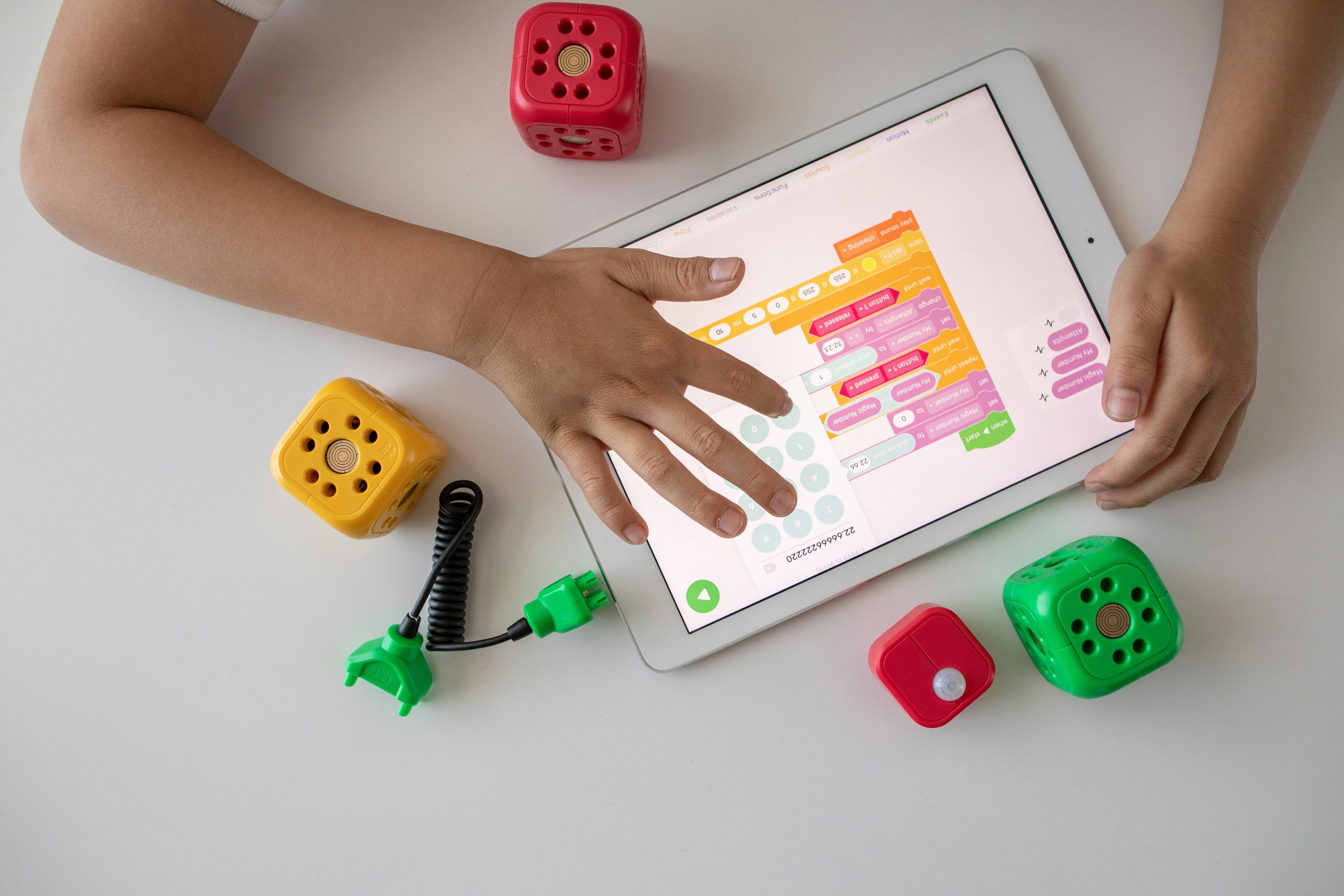
The first project should take 30 to 60 minutes and produce something visible: a moving shape, a simple quiz, a character that responds to key presses. A project your child cannot finish in one session often leads to abandonment before they have seen enough to decide whether they like it. Free tools such as Scratch or the beginner pages on python.org are designed for exactly this.
Move from blocks to typed code when frustration is low
Block-based tools such as Scratch are a good first step because they remove the friction of syntax. When your child starts spending more time looking for the block they need than thinking about their program, it is usually time to try a typed language. Python is the most common next step because its syntax is close to plain English and its error messages are readable.
Introduce the word "algorithm" with a game they already know
Pick a game your child knows, such as noughts and crosses or a card sort. Ask them to describe, step by step, exactly what a player does each turn, precisely enough that someone who had never played could follow the instructions. That description is an algorithm. Making the connection between everyday decision-making and what code does is one of the most useful steps in early computer science.
Give the first bug a name
When their program does something unexpected, avoid fixing it for them. Instead ask: "What did you expect to happen? What actually happened? What is different?" This three-question sequence is how experienced programmers debug. Children who practise it early learn to treat errors as information rather than failures, which matters far more than getting the right answer the first time.
Pick a first project beyond "hello world"
Once your child has seen the basics, suggest a small project with a clear goal they care about: a quiz on a topic they enjoy, a simple animation, a tool that helps them with something. Motivation to finish drives more learning than any curriculum structure. The project does not have to be impressive; it has to be theirs.
What computer science covers that coding does not
Coding is the act of writing instructions in a programming language. Computer science is the study of what those instructions are doing and why. The two overlap heavily, and in practice children learn them together, but they are not the same. A child can learn to copy code from a tutorial without understanding a thing about computer science. And a child can understand algorithms, data structures and logic without ever writing a line of code.
The K–12 computer science standards published by the Computer Science Teachers Association (CSTA) organise the subject into five areas: computing systems, networks and the internet, data and analysis, algorithms and programming, and impacts of computing. For younger children, most of that lands through programming projects. For older children, questions about data privacy, how search engines rank results, or how an AI makes a decision start to open the broader picture.
The right starting tool by age
Children aged 6 to 9 usually do best with block-based tools such as Scratch. These tools let children build programs by snapping together visual blocks rather than typing, which removes the barrier of learning syntax before they have understood the ideas. The tradeoff is that blocks hide some of what is actually happening, so they are a starting point rather than a final destination.
Children aged 10 and up are generally ready to try a typed language. Python is the most common choice for this age group: it has a clean, readable syntax, an enormous library of learning resources, and it is used widely in real software, so there is no dead end. JavaScript and p5.js are strong alternatives for children who want to make visual or interactive work quickly. The language matters less than having a project that motivates using it.
A worked example: from a first loop to a real program
Suppose a 10-year-old has written their first loop in Python: a program that prints the numbers 1 to 10. The next step in computer science is to ask a question that changes the meaning of the loop: "What if you wanted to print only the even numbers? What would you change?" A child who can answer that question is thinking about conditions and logic, not just copying syntax.
From there, the natural next project is a small program that makes a decision based on input: a simple quiz that marks each answer right or wrong, or a game that changes what happens based on a player’s choice. By the end of that project, the child will have used variables, a loop, a conditional statement and probably a list. Those four structures underlie nearly all of programming. Reaching them through one meaningful project sticks better than four separate exercises, one on each.
What parents ask about computer science versus coding classes
The most common question is whether a coding class teaches real computer science or just surface-level scripting. A useful test: ask the provider whether children are expected to explain what their code is doing, or only to make it run. If the class ends when the program works, it is coding practice. If children are asked why their solution works and whether a different approach would be faster or simpler, it is moving toward computer science.
A second question is whether the language taught matters. For children under 12, the language matters very little: the goal is to build the habit of thinking computationally. For a child 13 or older who wants to build real projects, Python or JavaScript will open more doors than a proprietary block system, since they connect directly to the larger world of open-source code, tutorials and professional practice.
Signs it’s time for outside help
When home help has done what it can
- Your child can follow a coding tutorial but cannot write a short program from a blank screen.
- They ask questions about how things work (how does the internet know where to send a message, how does a search engine decide what to show first) that go beyond what their class covers.
- They have finished every beginner resource they can find and are asking what comes next.
- Their school covers coding only as a short unit once a year, and the skills fade before the next one.
- They find math or logic puzzles satisfying and want to apply that kind of thinking to building something.
Questions parents ask
FAQ
What age should a child start computer science?
Most children can start with simple block-based programming around age 6 or 7. Typed languages such as Python are usually introduced around age 10, though some children start earlier if they are comfortable with reading and typing. The right age depends on the individual child and the tool, not a fixed rule.
Is computer science the same as coding?
Coding is part of computer science, but computer science is broader. It includes ideas about algorithms, data, logic and how systems are designed. Coding is how most children start learning those ideas, because writing a program makes abstract concepts concrete.
Does my child need to be good at math to learn computer science?
Not at the start. Early programming involves basic arithmetic and logical thinking more than advanced math. As children progress, areas like data analysis, cryptography and machine learning do rely on more math, but that comes much later and can be learned alongside the programming.
What is the best programming language for a child to learn first?
Scratch is the most common choice for children under 10, because it uses blocks instead of typed syntax. Python is the most common choice for children 10 and up: it is readable, widely used, and has a clear path from beginner to advanced. The best language is the one that keeps your child motivated and connected to a project they care about.
How do I know if a computer science class is good quality?
Ask: does my child write code themselves in every session, or mostly watch? Is the group small enough for the instructor to see where my child gets stuck? Does the class end with something my child built, not just an exercise they completed? Those three questions separate a good class from a passive one.
Further reading
Classes that fit
Live, 50–55 minutes, four learners at most or 1-on-1.
Not sure which is right for your child?
Tell us their age and what they have tried so far, and we will suggest where to start before you book anything.