
Parent guide · 6 min read
Is 3D design and printing worth trying for your child?
3D printers are common enough now that a lot of children have seen one at a library, a school makerspace or a friend’s house, and a lot of parents are left wondering whether it is a real skill or a novelty that gathers dust. A real 3D design class is neither: it teaches a child to build a shape on screen, piece by piece, until it becomes an object they can hold. This guide sets out what that actually involves, and how to tell if it fits your child.
Try this tonight
4 things you can do at home
Look at three household objects together
Pick up a mug, a phone stand or a toy and ask your child how they think it was made as a shape before it existed. Noticing that a curved handle or a hollow body has to be built up from simpler shapes is the exact thinking a 3D design class starts from.
Try a five-minute free 3D sandbox
A free browser-based 3D modelling tool lets you drag a cube, stretch it and join it to another shape in a couple of clicks. Watch whether your child wants to keep combining shapes, or loses interest once the first one is on screen.
Ask what object they would want to design
A keychain, a phone stand, a small figure for a game they play — a concrete answer gives you something real to plan a first project around, and turns an abstract class into a specific goal from day one.
Check patience for a plan that takes a while to finish
Have your child build something in Lego or blocks from a picture, one step at a time, rather than freehand. 3D design rewards following a plan through several stages more than it rewards quick improvisation.
What a 3D design class actually teaches
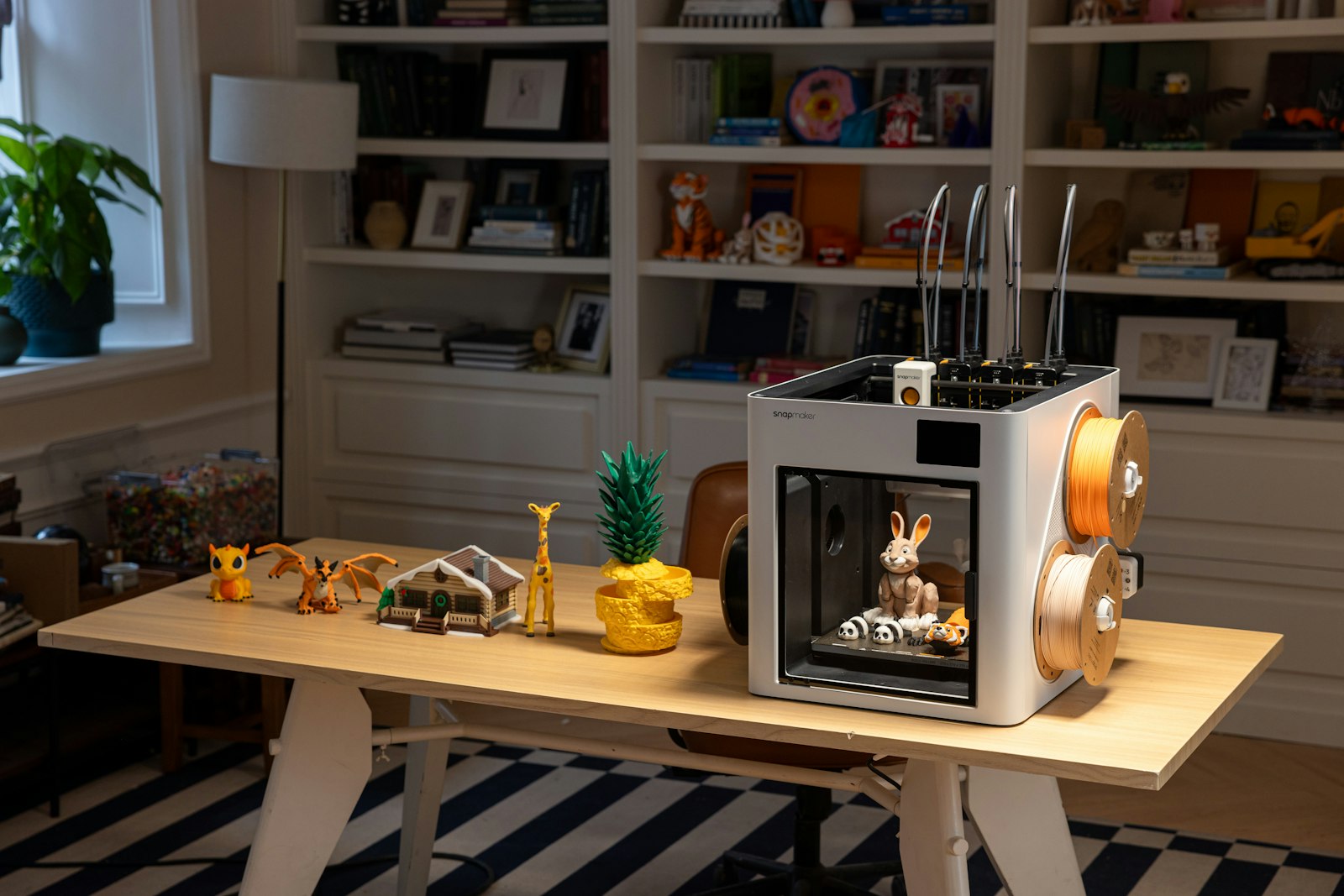
3D design software works by combining simple shapes — a cube, a cylinder, a sphere — and then stretching, cutting or joining them until they form the object a child has in mind. There are no loops or variables the way there are in Python or JavaScript; the logic is closer to sculpting in careful, undoable steps than to programming a sequence of actions.
That makes it a genuinely different skill from a coding class, not a harder or easier version of one. A child can be quick to plan a 3D model and slow to pick up loops and functions, or the other way round, because the two skills draw on different instincts: spatial reasoning and patience with a plan, rather than logical sequencing.
A worked example: designing a simple keychain
A first project might start with a flat rectangle, rounded at the corners, with a small circle cut from one end for the keyring hole. From there, adding a raised initial or a small pattern on the surface is the next step — each change visible immediately on screen before anything is ever printed.
That is the part that keeps a beginner engaged: unlike a printed object, which takes time to produce, the on-screen model updates instantly with every change, so a child sees the shape improving well before the printing step even starts.
Printing is a separate step, and not always needed
Designing a shape on screen and printing it physically are two different things. A finished model can be rendered and viewed from every angle without ever touching a printer, which is often how a first class works: the design skill is the lesson, and printing (where available) is the payoff at the end, not a requirement for every class.
Printing itself takes patience of its own — a print can take hours, and a first attempt sometimes needs adjusting and reprinting. That is a normal part of the process, not a sign anything went wrong, and it is worth expecting rather than being caught out by.
When a child is ready
Most 3D design classes for children open from around age 10, once a child can hold a multi-step plan in mind and work through it without needing every step re-explained. That is later than the youngest coding or robotics classes tend to start, because building up a shape from simpler pieces takes more sustained, ordered thinking than dragging a single block into place.
A child who is younger, or who is mainly excited by an instant result rather than a plan that pays off after several steps, is usually better served starting with something faster-paced and coming back to 3D design once that patience has developed a little further.
Signs it’s time for outside help
When home help has done what it can
- Your child takes things apart at home to see how they are built.
- They ask how an object they use every day was actually made.
- They have watched 3D printing videos and want to try designing something themselves.
- A school or library makerspace session left them wanting to go further.
- They enjoy building sets like Lego from a plan more than building freehand.
Questions parents ask
FAQ
What age can a child start 3D design?
From about 10, for most classes, once a child can work through a multi-step plan on screen without losing track of where they are.
Does my child need their own 3D printer?
No. Designing a model on screen is the main skill taught, and it can be viewed and checked from every angle without printing it. Printing, where available, is a later step, not a requirement to start learning.
Is 3D design the same as coding?
No. 3D design is about spatial thinking and building up shapes; coding in the usual sense (Python, JavaScript) is about logic — loops, conditions and variables. They are different skills, and neither is a required step before the other.
How long does it take to design and print something?
A simple first design can take one class to plan on screen. Printing, where available, is separate again and can take anywhere from under an hour to several hours depending on the size of the object.
Classes that fit
Live, 50–60 minutes, four learners at most or 1-on-1.
Not sure which is right for your child?
Tell us their age and what they have tried so far, and we will suggest where to start before you book anything.