
Minecraft Coding Club for Beginners
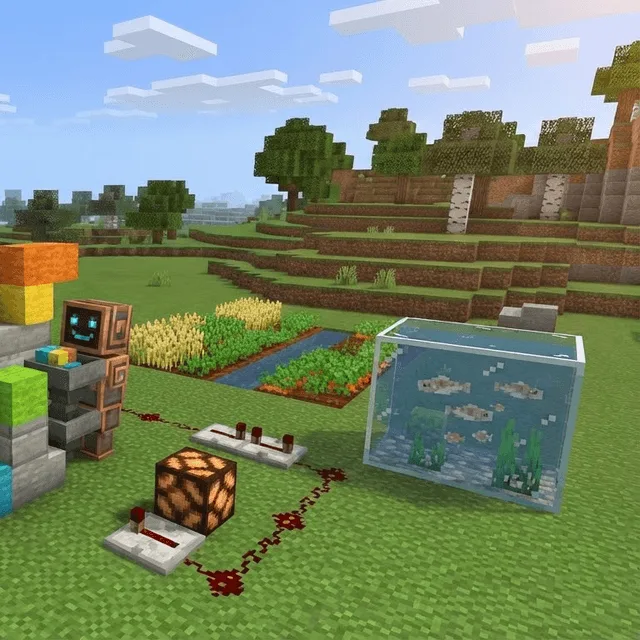
Children learn real coding ideas by writing code that builds their Minecraft world for them: castles, towers, farms, aquariums, parkour courses and mini-games, with a new project every week. No coding experience needed.
- 8 classes total
- 50–55 min each
- Ages 7–12
- Live video meetings
Format & commitment
Course Overview
Just your child
1-on-1 course
Meet over live video with a real teacher.
Just your child
8 live meetings
8 hrs of live teaching in total.
50–55 min each
Assignments
About 1 hour a week: an optional extension to the week's project.
Practice between classes
Assessment
The teacher follows each child's progress through their projects and gives feedback in class.
Ages 7–12
How it works
What Happens in Class?
Children learn real coding ideas by writing code that builds their Minecraft world for them: castles, towers, farms, aquariums, parkour courses and mini-games, with a new project every week. No coding experience needed.
- 1
Learn
The teacher introduces each new idea with clear, worked examples.
- 2
Practise
Learners practise straight away with guided problems and get live feedback.
- 3
Ask
Learners ask questions any time — small classes mean every child is heard.
- 4
Build up
Each class builds on the last, so skills compound across the whole course.
A weekly live class on Zoom in a small group of up to 4 children. The teacher explains one coding idea and why it works, then children write code that builds a project in Minecraft. Every week is a new project, so children can join the club at any time. The teacher helps each child debug, and children show their builds at the end.
Expected outcomes
Learning Goals
What your child will be able to do by the end of Minecraft Coding Club for Beginners.
- 1
Understand core coding ideas: commands, loops, variables, conditions and events.
- 2
Use code to build structures like castles, towers, farms and aquariums.
- 3
Design mini-games and challenges such as obstacle courses, parkour maps and arenas.
- 4
Find and fix mistakes (debugging) and share finished projects.
Syllabus
Curriculum
Follows a Nex2School teacher-created curriculum
Ages
Made for ages 7–12
8 Lessonsover 8 Weeks
Lesson 1:Your first code: commands that place blocks
- Your first code: commands that place blocks
50–55 min online live lesson
Lesson 2:Loops: building a tower or wall in seconds
- Loops: building a tower or wall in seconds
50–55 min online live lesson
Schedule
Available Class Times
229 class times open across 30 days
Exact times appear once you log in, so there is never any doubt about which slot you are booking.
An account is free and takes a minute; you only pay when you book. Already have one? Log in, or create one.
Before the first class
Getting Ready
For parents
Children use Minecraft in a teacher-guided world. Chat stays on the class task, and the teacher keeps the world private to the class.
What your child needs
- 1A desktop or laptop computer (not a phone or tablet)
- 2A microphone and webcam for the live class
Also used: A computer (Windows or Mac) with Minecraft Education, or Minecraft with the free MakeCode coding tool. The teacher will help with setup in the first lesson.
Safe classrooms
Real Teachers, Small Classes
Teachers checked before they teach
Every Nex2School teacher is vetted and approved before they are given a class.
Just your child
The whole class is about your child, at their pace.
Parents can join
A parent is welcome to sit in on any class their child attends.
Your teacher
Teacher
Every Nex2School instructor is vetted before they’re approved to teach. Every class is recorded, so a parent can review any session their child attends. Log in to see your instructor’s name and real class times.
Families
Reviews
No reviews yet for this course. Be the first to book a class and leave one.
You might also like
Other Courses Like This
Minecraft · Ages 7–9
Minecraft Math Builders (Grades 1–3)
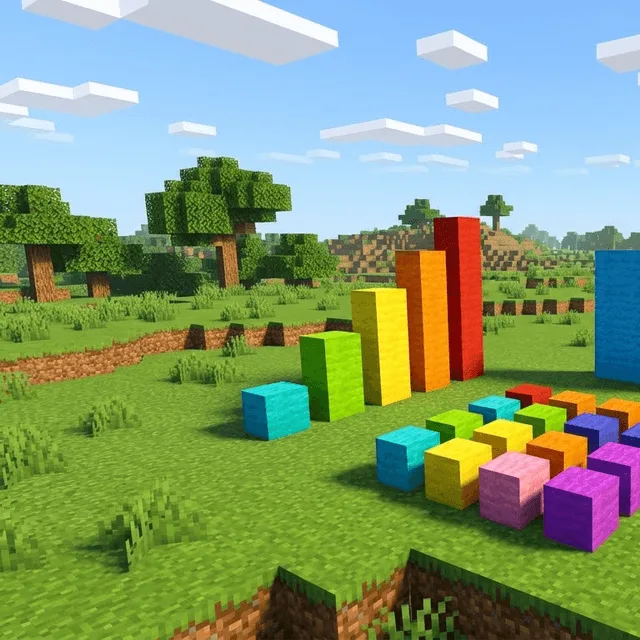
Maths comes alive inside Minecraft. Young learners count, group, share and build their way through multiplication, fractions and shapes, one block at a time, finishing with a big Math Quest that uses everything they learned.
Learn more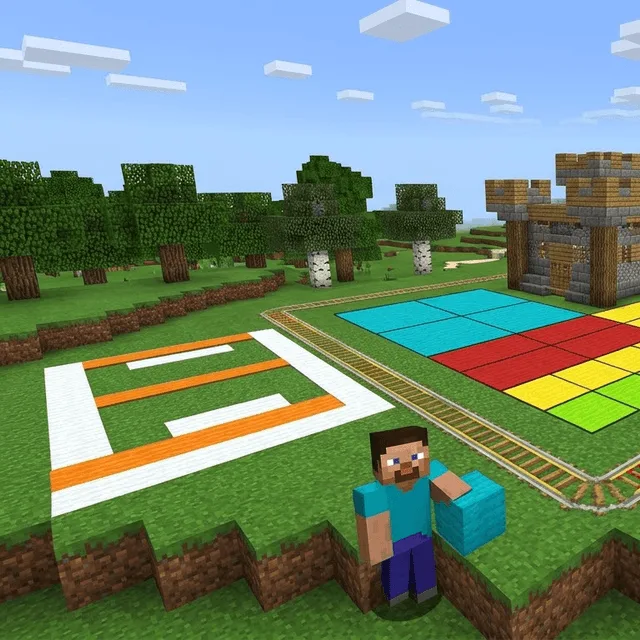
Minecraft · Ages 7–12
Minecraft Math Masters (Grades 3–4)
A full 20-week maths course taught through Minecraft builds. Children master fractions, division, multiplication, geometry and measurement by building mazes, castles, marketplaces, stadiums and more, with a new real-world project every week.
Learn more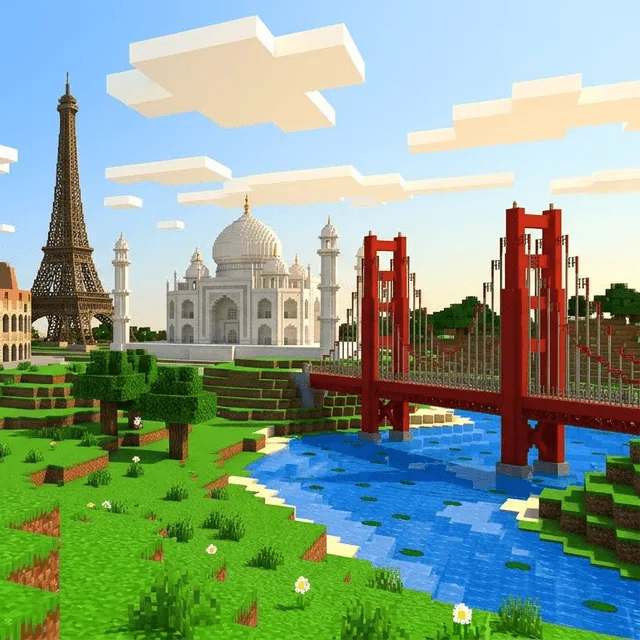
Minecraft · Ages 8–12
History in Minecraft: Build World Landmarks
Travel through world history by building its greatest landmarks in Minecraft, from the Pyramids of Giza and the Colosseum to the Taj Mahal and the Golden Gate Bridge. Children learn the story, culture and engineering behind each one as they recreate it block by block.
Learn moreTry it first
Watch your child fall in love with minecraft.
Book a free first class, live with a real teacher, and see how your child gets on. No card needed.